
Community
Best WooCommerce Admin Plugins in 2026
Jul
Running a successful WooCommerce store involves much more than adding products and processing orders. As your business grows, you’ll need tools that help you manage inventory, fulfill orders, analyze performance, communicate with customers, and automate repetitive tasks.
Fortunately, the WooCommerce ecosystem offers thousands of plugins designed to improve different aspects of store management.
In this guide, we’ll look at some of the best WooCommerce admin plugins available in 2026 and explain what each one does best.
1. ZERTI
Best for: Faster day-to-day WooCommerce management
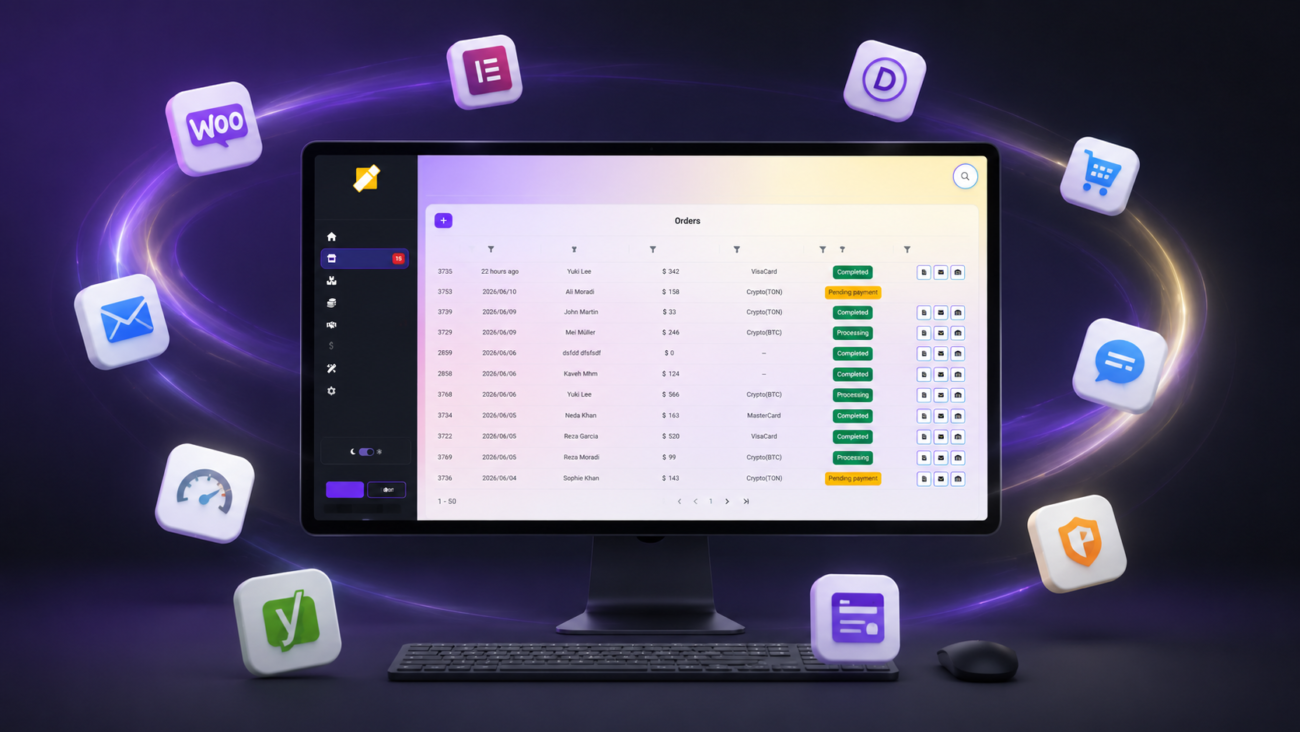
ZERTI is designed to improve the WooCommerce administration experience rather than replace it. Instead of focusing on a single feature, it brings together many of the tasks store owners perform every day into a faster, more organized interface.
Key features include:
- Modern responsive dashboard
- Faster order management
- Product management
- PDF invoices
- Packing slips
- Warehouse receipts
- Business reports
- Excel export
- Bulk actions
- AI-powered product tools
- Mobile-friendly interface
- Dark and light modes
- RTL support
- Multiple language support
If your goal is to spend less time inside the WordPress admin area, ZERTI is built with productivity in mind.
2. WooCommerce Admin
Best for: Built-in analytics
WooCommerce Admin extends the default reporting experience with improved analytics, revenue tracking, and sales insights.
It’s an excellent starting point for understanding how your store performs.
Best features:
- Sales reports
- Customer insights
- Product analytics
- Revenue tracking
3. Smart Manager
Best for: Spreadsheet-style editing
Managing hundreds or thousands of products becomes much easier with a spreadsheet interface.
Smart Manager allows bulk editing of products, orders, coupons, customers, and other WooCommerce data.
Ideal for large catalogs.
4. Advanced Bulk Edit
Best for: Large product updates
If you regularly change prices, stock, or categories across many products, a bulk editing plugin can save hours of repetitive work.
Look for features such as filtering, mass updates, and scheduled edits.
5. PDF Invoices & Packing Slips
Best for: Document generation
Generating professional invoices and packing slips is essential for many online stores.
These plugins automatically create printable PDF documents for customer orders and shipping workflows.
6. Order Delivery Date Plugins
Best for: Shipping flexibility
Allow customers to choose delivery dates and preferred time slots.
This is particularly useful for:
- Grocery stores
- Flower shops
- Bakeries
- Local delivery businesses
7. Advanced Shipment Tracking
Best for: Shipment visibility
Customers appreciate knowing where their orders are.
Shipment tracking plugins connect tracking numbers with carriers and improve the post-purchase experience.
8. Product Import Export Plugins
Best for: Data migration
Whether you’re moving from another platform or updating thousands of products, import/export plugins simplify data management.
Common uses include:
- Product migration
- Inventory updates
- Backup creation
- Supplier synchronization
9. Customer Management Plugins
Best for: Better customer service
Understanding customer behavior helps improve retention.
Many customer management plugins provide:
- Purchase history
- Customer lifetime value
- Order frequency
- Segmentation
10. Security Plugins
Best for: Protecting your store
No WooCommerce site is complete without strong security.
Choose a trusted security solution that includes:
- Malware scanning
- Firewall protection
- Login security
- File monitoring
- Backup integration
How to Choose the Right Admin Plugins
Before installing another plugin, ask yourself:
- Does it solve a real problem?
- Will it save time every day?
- Is it actively maintained?
- Does it work well with WooCommerce?
- Does it avoid unnecessary complexity?
Installing fewer, higher-quality plugins often leads to a faster and more stable store.
Why Productivity Matters
Every unnecessary click inside your admin dashboard costs time.
If you process hundreds of orders every month, even saving a few seconds per task can add up to several hours.
That’s why many successful store owners focus on improving their workflow before investing in expensive marketing or automation.
Final Thoughts
WooCommerce is incredibly flexible, but the right admin plugins can make managing your store much more enjoyable.
Whether you need better analytics, bulk editing, PDF invoices, shipment tracking, or an all-in-one productivity dashboard like ZERTI, choosing tools that reduce repetitive work allows you to focus on what matters most—serving customers and growing your business.
Take some time to review your daily workflow. The best plugin isn’t necessarily the one with the most features; it’s the one that saves you the most time.
